
Walk into a newly renovated Toronto home and you may find a smart thermostat, a video doorbell, app-controlled lights, motorized shades and three different remotes in the family room. Every product is technically “smart.” Yet the homeowner still needs five apps to turn off the house before bed.
That is the difference between a collection of connected devices and a properly designed smart home.
A good automation system should reduce the number of decisions you make during the day. It should not give you another dashboard to manage. When the system is planned well, the technology fades into the background: the entrance is comfortably lit when you arrive, the temperature follows the family’s schedule, music moves naturally between rooms, and one “Goodnight” command takes care of lights, doors, entertainment and security.
This guide explains what Toronto and GTA homeowners should consider before choosing a smart home system—and which questions are worth asking before walls are closed or equipment is purchased.
Start with routines, not products
The easiest mistake is to begin with a shopping list: keypads, speakers, touchscreens, cameras and thermostats. A better starting point is to map the moments that repeat every day.
Consider a normal weekday:
- What should happen when the first person wakes up?
- Which lights are usually left on when everyone leaves?
- Who needs access to the front door, garage or side entrance?
- Which rooms are used for music or television?
- What should the house do when nobody is home?
- What does “Goodnight” mean for your family?
Answers to those questions create the automation plan. Products come later.
For example, an “Away” scene might turn off selected lights, lower the temperature, stop audio and video, lock compatible doors and arm the security system. A “Welcome” scene might illuminate a path from the garage, adjust the main-floor temperature and start a preferred playlist. Control4 describes these multi-device scenes as a core part of a whole-home experience, where lighting, climate, entertainment and security can work together instead of operating as isolated systems.
Integration is more valuable than novelty
New gadgets arrive every month. Reliability comes from choosing a stable foundation that can coordinate the devices you already have and the ones you may add later.
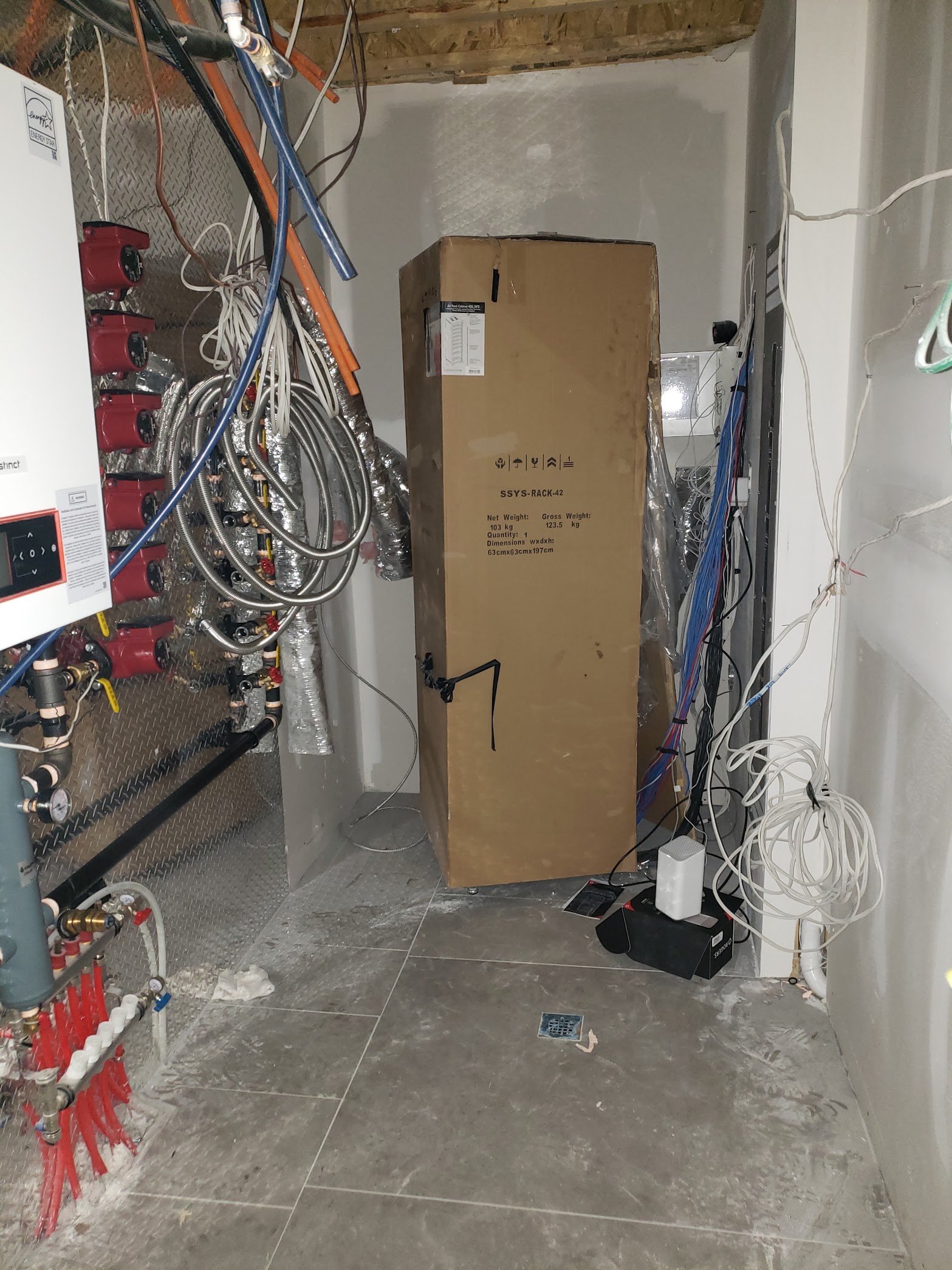
For most professionally automated homes, the central controller is the traffic coordinator. It receives commands, communicates with connected systems and triggers programmed actions. In a Control4 environment, for example, controllers can coordinate lighting, audio and video zones, climate, shades, locks, security panels and IP cameras.
The important question is not simply, “Does this device have an app?” It is, “Can this device participate reliably in the routines that matter to us?”
That distinction prevents a common problem: buying a technically compatible product that only supports limited functions inside the larger system.
Toronto homes create practical design challenges
Smart home automation in Toronto is not a one-size-fits-all project. A downtown condo, a century home in The Beaches and a new build in Vaughan have very different infrastructure.
Older homes
Plaster walls, limited neutral wiring, crowded electrical boxes and older network cabling can affect the design. Wireless devices may solve part of the problem, but they should not be used as a substitute for a healthy network or a realistic coverage plan.
Condos
Condo owners may have restrictions involving thermostats, fan-coil systems, door hardware, common elements and renovation hours. Building management should be involved early when automation touches shared infrastructure.
New construction and major renovations
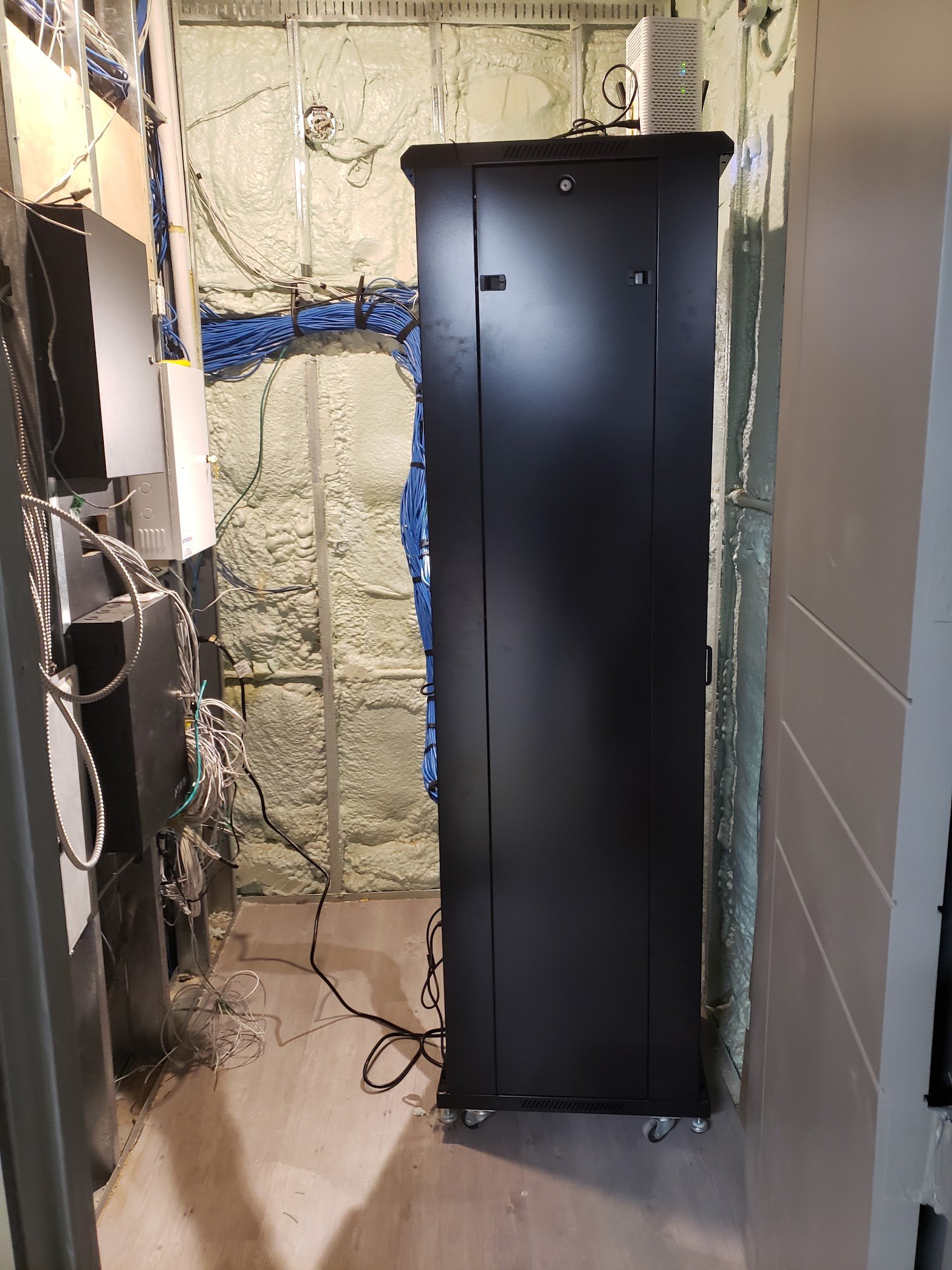
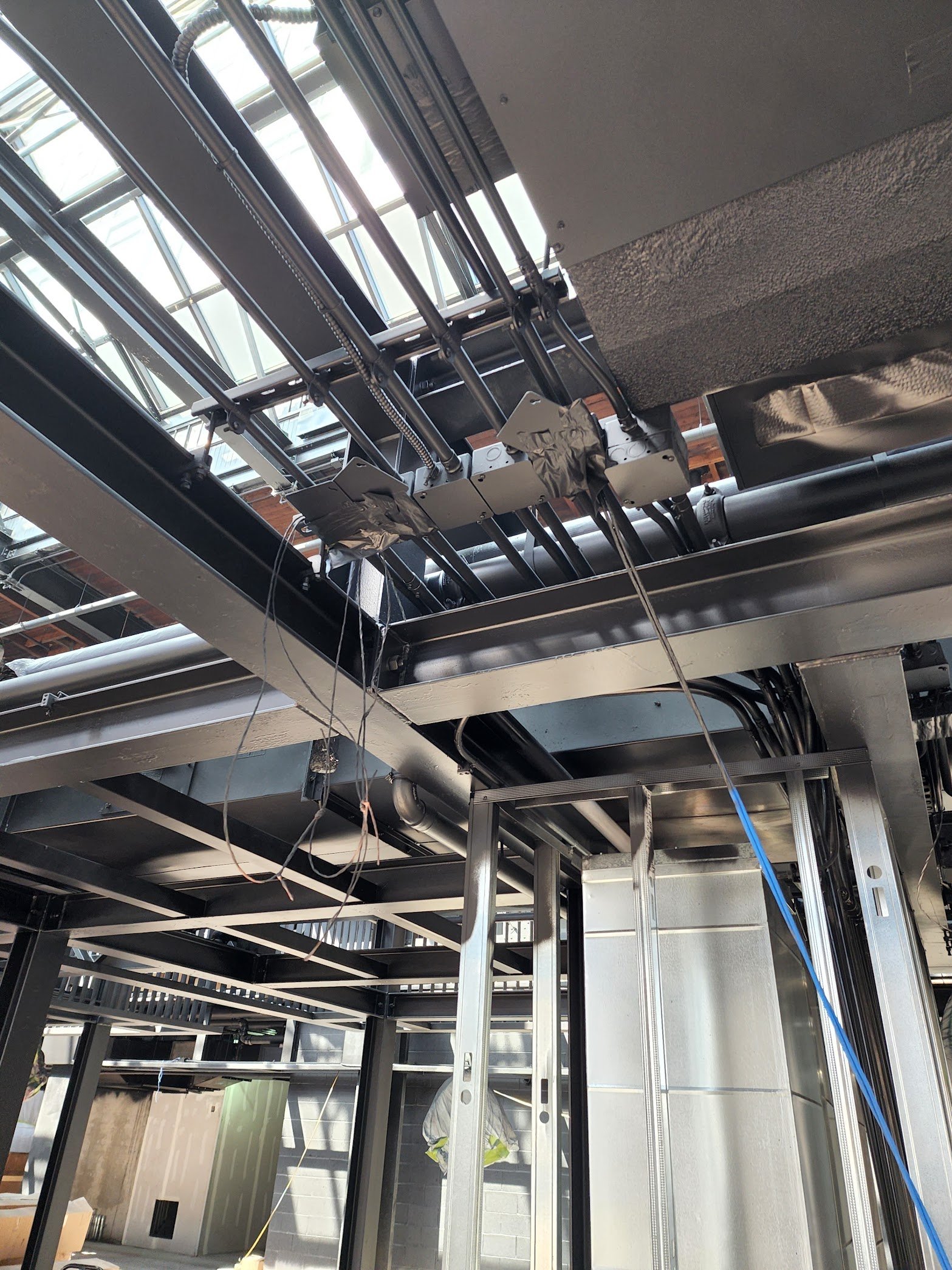
This is the best time to plan structured cabling, equipment locations, speaker wire, shade power, network access points and future expansion. Pulling the right cable before drywall is inexpensive compared with reopening finished walls.
Large or multi-level homes
Network coverage becomes part of the automation system. Cameras, touchscreens, streaming devices and mobile controls all depend on a stable wired and wireless network. A premium automation platform connected to a weak network will still feel unreliable.
The five systems that create the biggest everyday difference
1. Lighting and shades
Lighting is often the most frequently used part of an automated home. Scenes can set multiple fixtures to comfortable levels with one button, while schedules and occupancy logic can reduce unnecessary use. Motorized shades can manage glare, privacy and heat gain without turning every adjustment into a manual task.
2. Climate and comfort
Integrated climate control can coordinate thermostats, radiant heating, shades and occupancy schedules. The goal is not constant remote adjustment. It is creating predictable comfort with fewer interventions.
3. Audio and video
Distributed audio allows different rooms—or outdoor spaces—to share music without a stack of separate Bluetooth speakers. A properly designed entertainment system also removes remote-control clutter and makes television, streaming and sound easier for everyone in the home to operate.
4. Security and access
Cameras, intrusion sensors, video doorbells, locks and access control systems become more useful when they can share information. A doorbell event might display video on a touchscreen. An “Away” scene can check selected doors and arm the alarm. Security still needs its own professional design; automation should make it easier to use, not weaken it.
5. One consistent interface
The most underrated feature is consistency. A keypad, touchscreen, remote and phone should feel like parts of the same system. Family members and guests should be able to control essential functions without a tutorial every time.
What should you automate first?
You do not need to automate the entire property on day one. A phased plan is often smarter.
Begin with infrastructure and the functions that solve daily frustrations. That might mean networking, main-floor lighting, family-room entertainment and security integration. Later phases can add motorized shades, outdoor audio, additional rooms or more advanced scenes.
The key is designing phase one so phase two does not require replacing the foundation.
Questions to ask a smart home integrator
Before choosing an installer, ask:
- Who will design and program the system?
- How will the network be assessed?
- Which functions will continue working if the internet is unavailable?
- Can the system expand without replacing the controller or major wiring?
- How are software updates, backups and service calls handled?
- Will we receive training and a documented handover?
- Can scenes be adjusted after we have lived with the system?
Good automation is refined after real life begins. A scene that looked perfect on a drawing may need small changes after the family has used it for two weeks.
A smart home should feel calm
The best compliment for a home automation system is not “That looks complicated.” It is “That was easy.”
Technology should support the rhythm of the home without demanding attention. That requires thoughtful design, a reliable network, compatible equipment and programming based on how people actually live.
If you are planning a renovation, new build or retrofit in Toronto or the GTA, MSSCO can help you create a phased automation plan that brings lighting, climate, entertainment, security and access together without turning your home into a technology experiment.
Explore our smart home automation services or request a consultation.
Frequently asked questions
Is professional home automation only for new construction?
No. Existing homes can be automated using a mix of wired and wireless technologies. New construction offers more cabling flexibility, but a careful retrofit can still deliver lighting, climate, entertainment and security integration.
Will my smart home stop working if the internet goes down?
It depends on the design and the products involved. Many core automations can run locally, while cloud-dependent services and remote access may be temporarily unavailable. Ask your integrator to explain the expected behaviour before installation.
Can I start with one room and expand later?
Yes. A phased system can begin with high-use areas, provided the controller, network and wiring plan account for future expansion.
How long does smart home installation take?
The timeline depends on the property, construction stage and number of systems involved. A retrofit focused on a few rooms may be completed quickly, while a whole-home project should be coordinated with the renovation or construction schedule.