Smart Home Automation in Toronto: What Actually Makes a Home Feel Smart?
August 13, 2026Automatic Door Openers in Ontario: What Toronto Businesses Should Know
August 13, 2026Security Camera Installation in Toronto: 9 Mistakes to Avoid Before You Buy
A camera can show that something happened. A well-designed camera system can help show who was involved, where they went and which details matter.
That difference is rarely about buying the most expensive camera. It comes from placement, lighting, lens selection, recording quality, network design and a clear understanding of what the system is supposed to accomplish.
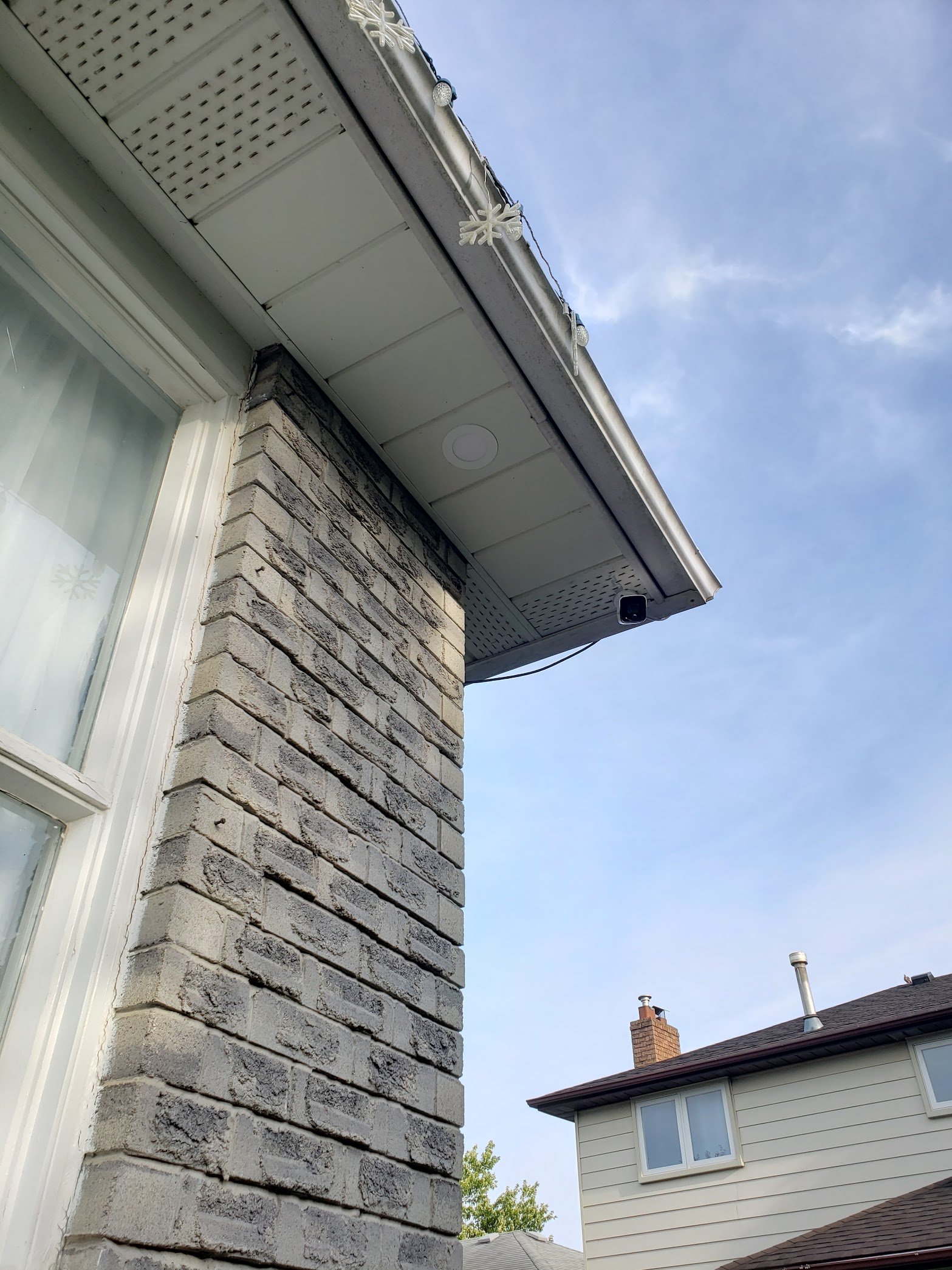
Toronto properties add their own complications: narrow side passages, bright snow, shaded entrances, shared driveways, busy sidewalks, underground parking and close neighbours. Before purchasing equipment, avoid these nine mistakes that repeatedly turn promising camera systems into disappointing ones.
1. Choosing the camera before defining the job
“I want a 4K camera” sounds specific, but it does not describe the result you need.
Start with the question the footage must answer. At a front entrance, you may need a clear face at close range. In a parking area, you may need an overview of vehicle movement. At a cash counter, the priority may be transaction context. One camera cannot perform every job equally well.
Define the purpose of every view before selecting the camera, lens and mounting position.
2. Using one wide view for everything
A wide-angle image looks impressive on a monitor because it captures a large area. The trade-off is detail. A person or licence plate may occupy only a tiny portion of the recorded image.
A stronger design often uses two complementary views: one camera for situational awareness and another for identification at a predictable point such as a doorway, gate or driveway entrance.
This is why camera count should come after the coverage plan—not before it.
3. Testing only during daylight
Many camera demonstrations happen in a bright room or on a sunny afternoon. Real incidents often happen under much more difficult lighting.
Toronto installations should be checked after dark and in changing conditions. Consider:
- headlights entering a driveway;
- bright exterior lights behind a visitor;
- infrared reflection from soffits, walls or glass;
- rain and snow close to the lens;
- deep shadows beside an illuminated doorway;
- seasonal sun angles.
The right camera settings and supplemental lighting can matter as much as resolution.
4. Mounting cameras too high
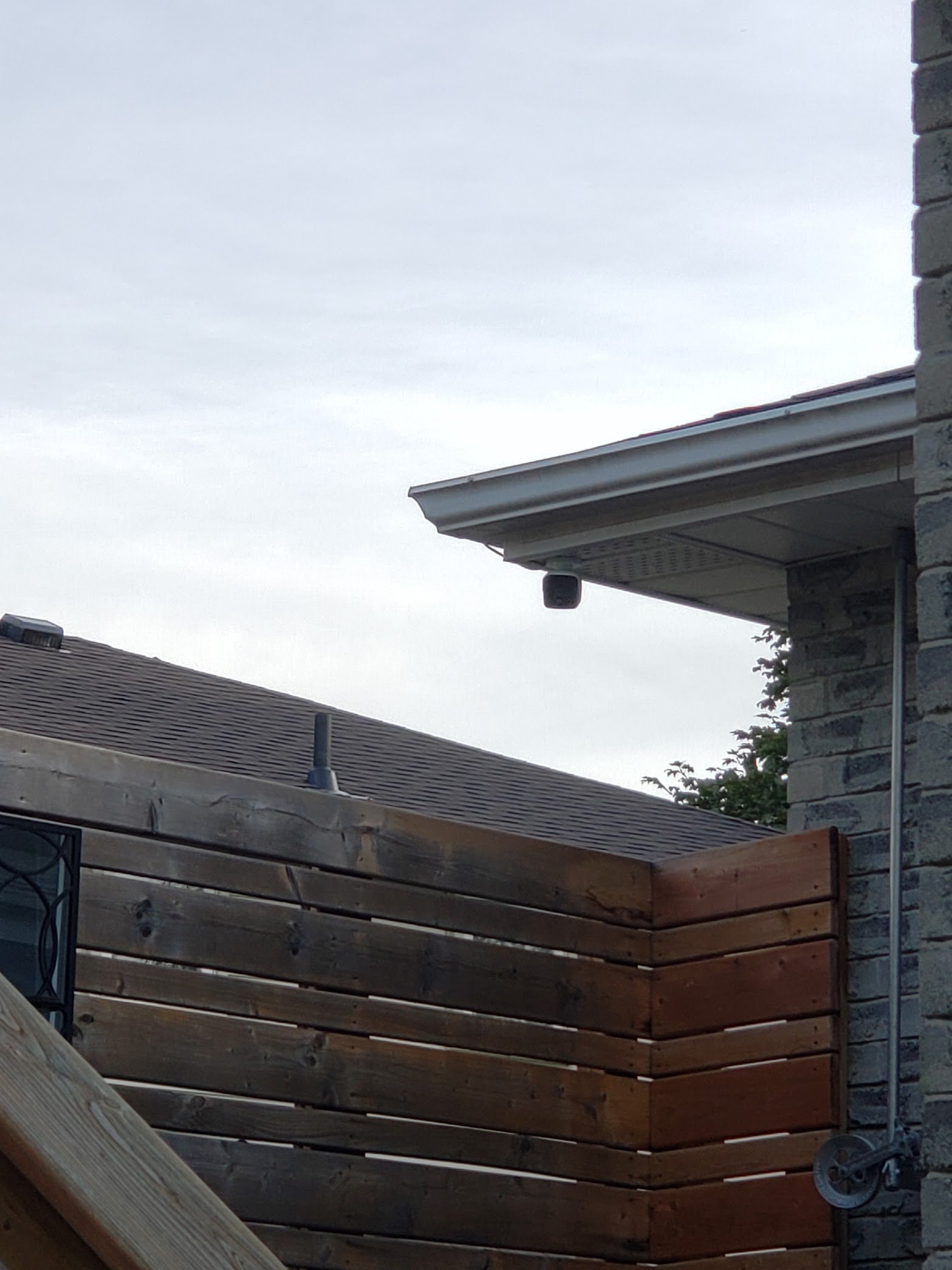
High mounting positions can reduce tampering, but “higher” is not always “better.” A camera near the roofline may record the top of a person’s head instead of a useful facial view.
Mounting height should balance identification, coverage, weather protection and physical security. Entrances usually benefit from a more direct angle, while overview cameras can be positioned higher.
5. Ignoring privacy until a neighbour complains
Camera placement is also a privacy decision.
The City of Toronto recommends that residential cameras be aimed to record the owner’s property and minimize footage or sound beyond the property boundary. It also recommends considering visible notice, secure storage, limited access, strong passwords and two-factor authentication where available.
Privacy masks can block windows, neighbouring yards or other areas that do not need to be recorded. The goal is useful coverage—not collecting as much footage as technically possible.
Commercial, industrial and institutional sites may have additional privacy and policy obligations. When the legal requirements are unclear, obtain advice appropriate to the organization and intended use. A security installer can help configure the technology, but should not be treated as a substitute for legal advice.
6. Treating storage as an afterthought
Recording time depends on more than hard-drive size. Resolution, frame rate, compression, scene activity, camera count and recording schedule all affect retention.
Before installation, decide:
- how many days of video should normally be available;
- whether recording is continuous or event-based;
- which cameras require higher frame rates;
- who can export footage;
- what happens when storage is full;
- how important recordings will be preserved after an incident.
Do not assume that “one terabyte” automatically means a particular number of days.
7. Building cameras on a weak network
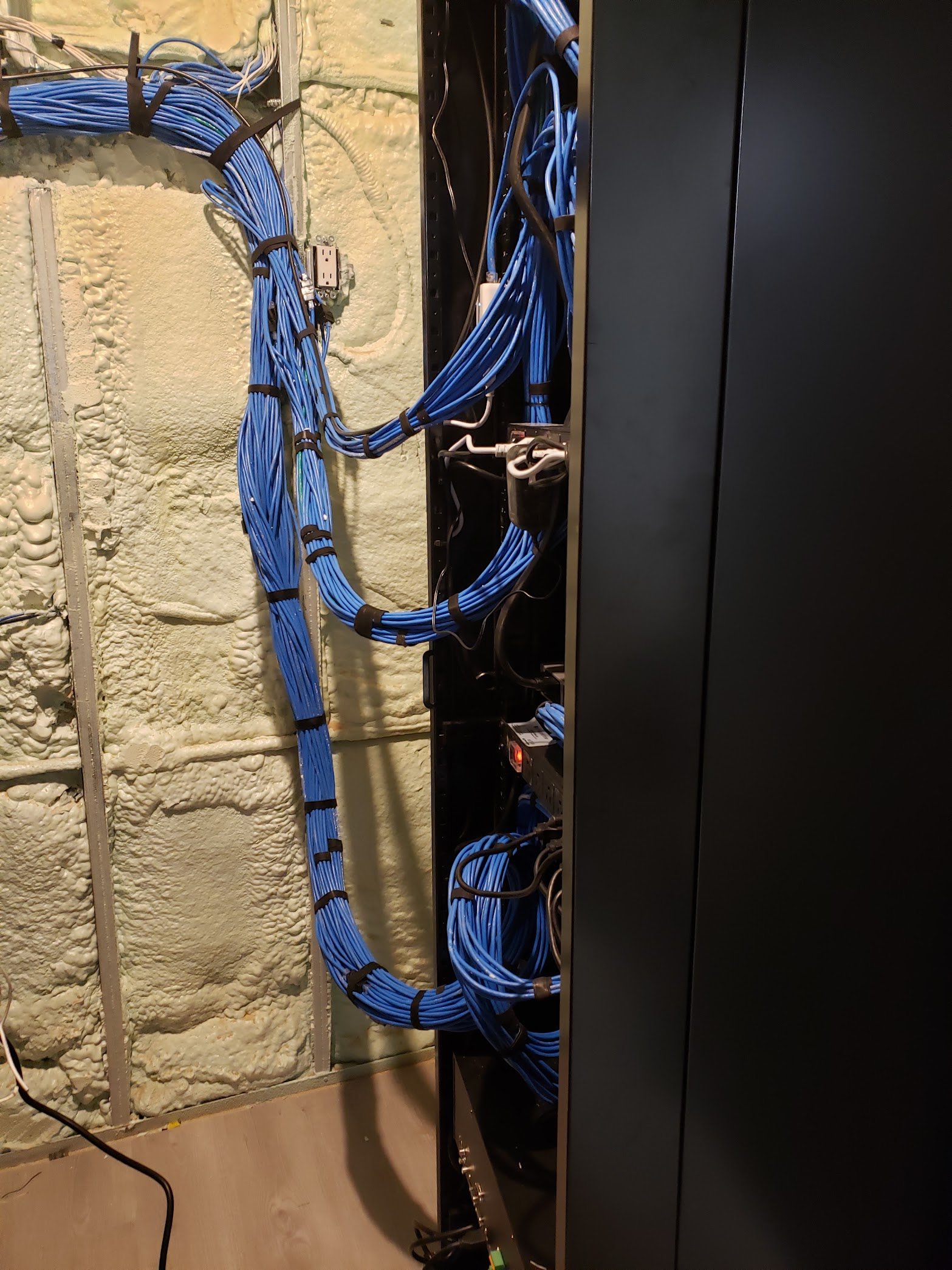
IP cameras are network devices. Unstable cabling, overloaded switches, poor Wi-Fi or incorrect power budgeting can create frozen video, intermittent disconnects and missing recordings.
Professional systems commonly use Power over Ethernet (PoE) so data and power travel over structured cabling. The switch must have enough power capacity for all connected cameras, including higher-demand devices such as PTZ or multi-sensor cameras.
Remote viewing also depends on upload capacity and secure configuration. The internet connection should be assessed as part of the system design, not after the cameras are mounted.
8. Leaving default accounts and passwords in place
A camera system protects a property, but it is also a collection of connected computers. Default credentials, shared administrator accounts and outdated firmware create avoidable risk.
Use unique passwords, enable multi-factor authentication where supported, limit administrator access and keep firmware current. Remote access should be configured deliberately rather than exposed through unnecessary open ports.
For a business, document who has access and remove accounts promptly when roles change.
9. Skipping the handover
The installation is not complete when the final camera appears on the screen.
A proper handover should cover:
- live view and playback;
- searching by time or event;
- exporting video;
- mobile and desktop access;
- user permissions;
- basic health checks;
- what to do when a camera is offline;
- who to contact for service.
Ask for the final camera names and locations to be documented. “Camera 07” is not helpful during an incident; “East loading door” is.
What a professional site survey should include
A useful survey is more than a quick walk around the building. It should identify the security objectives, likely paths of travel, lighting conditions, mounting options, cable routes, network and power requirements, recording needs and privacy boundaries.
For commercial properties, the survey should also consider access control, intercoms and intrusion detection. A camera may confirm an event, but another system may be better suited to prevent or detect it.
The best system is the one that produces usable evidence
Camera specifications matter, but the design determines whether those specifications become useful footage.
If you are planning security camera installation in Toronto or the GTA, focus on the questions the system must answer. Then choose the equipment, positions and recording settings that can answer them day and night.
MSSCO designs CCTV and IP video systems for homes and businesses, including coverage planning, structured cabling, recording, remote access and system integration.
Explore our CCTV and video surveillance services, learn about IP CCTV systems, or request a site consultation.
Frequently asked questions
How many security cameras does a Toronto home need?
There is no standard number. Camera quantity depends on entrances, property layout, blind spots and the level of detail required. A smaller system with purposeful views can outperform a larger system with poor placement.
Is 4K always better for security cameras?
Higher resolution can provide more detail, but it also requires more storage and network capacity. Lens choice, distance, lighting and angle may have a greater effect on whether a face or vehicle is identifiable.
Can cameras record my neighbour’s property?
Residential cameras should be positioned to focus on your own property and minimize unnecessary capture beyond its boundaries. The City of Toronto publishes privacy-focused best practices for residential camera use. Commercial users should confirm the obligations that apply to their organization.
How long should security footage be stored?
Retention should be based on the purpose of the system, risk, storage capacity and applicable privacy requirements. Avoid keeping footage longer than necessary, and ensure access is limited and secure.